

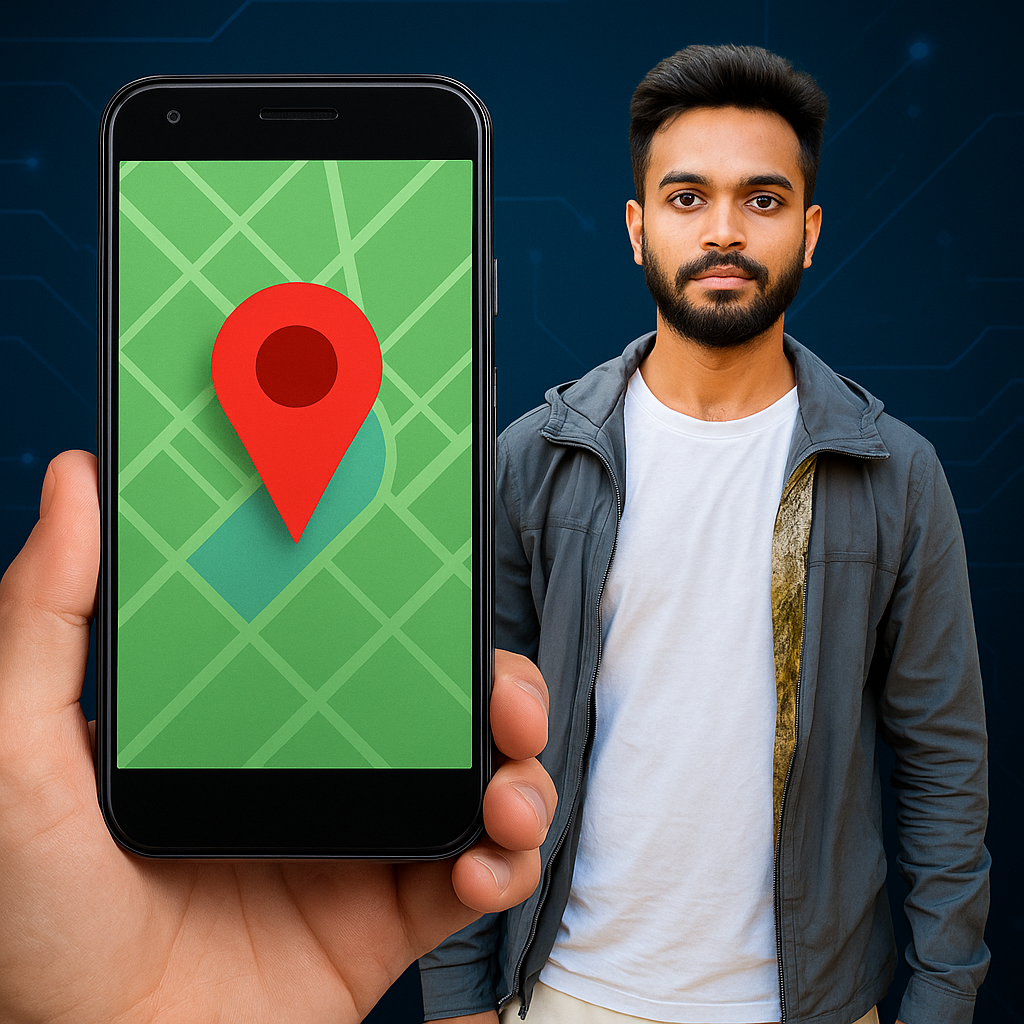
How to Track a Phone Number Using an Android Device | op Methods to Track Any Phone Number on Android Legally | Need to Track a Phone Number on Android? Here’s How |
Tracking a phone number using an Android device can mean different things depending on what you’re trying to do. Here are a few legal and practical ways to track a phone number on Android:
✅ 1. Google Find My Device (for your own phone)
If you’re trying to locate your own lost/stolen Android phone, use:
-
Link: Find My Device
-
Steps:
-
Log in with the Google account linked to the lost device.
-
It will show the phone’s current (or last known) location.
-
You can also play a sound, lock it, or erase it remotely.
-
✅ 2. Family or Friend Tracking (with consent)
-
Google Family Link or Life360 can help you track family members’ locations.
-
Both parties must agree and install the app.
-
Good for keeping track of kids or elderly family members.
✅ 3. Use a Caller ID App (for unknown numbers)
-
Apps like Truecaller or Hiya help you identify and block spam calls.
-
They show details of unknown callers but do not give live location.
-
Truecaller also logs past calls and sometimes shows name and city.
⚠️ Important Note on Privacy and Legality
Tracking someone’s phone without their permission is illegal in many countries. Always get the user’s consent or have legal authority (e.g., parent/guardian for minors).
-
#track_phone_number_Android -
#find_my_device_Android -
#track_lost_phone_Android -
#phone_number_tracker_app -
#how_to_track_phone_location -
#find_Android_phone_by_number -
#Truecaller_Android -
#GPS_phone_tracker -
#locate_phone_using_Google -
#Android_phone_tracking_guide